
FTP Meaning: What Is File Transfer Protocol?
FTP meaning is File Transfer Protocol, a standard network protocol used to transfer files between computers or servers. If you’ve ever worked with web hosting, remote servers, website files, backups, or network administration, you’ve likely encountered FTP. In this guide, I’ll explain the protocol in plain English, including FTP clients, servers, ports, file transfers, authentication, and security.
For beginners, FTP can initially feel more complicated than it really is. The basic idea is straightforward: an FTP client connects to an FTP server so files can be uploaded, downloaded, renamed, moved, or managed remotely. We’ll also clarify active and passive mode, FTPS and SFTP, because confusing these protocols is one of the most common pain points for new users.
What does FTP stand for? FTP meaning
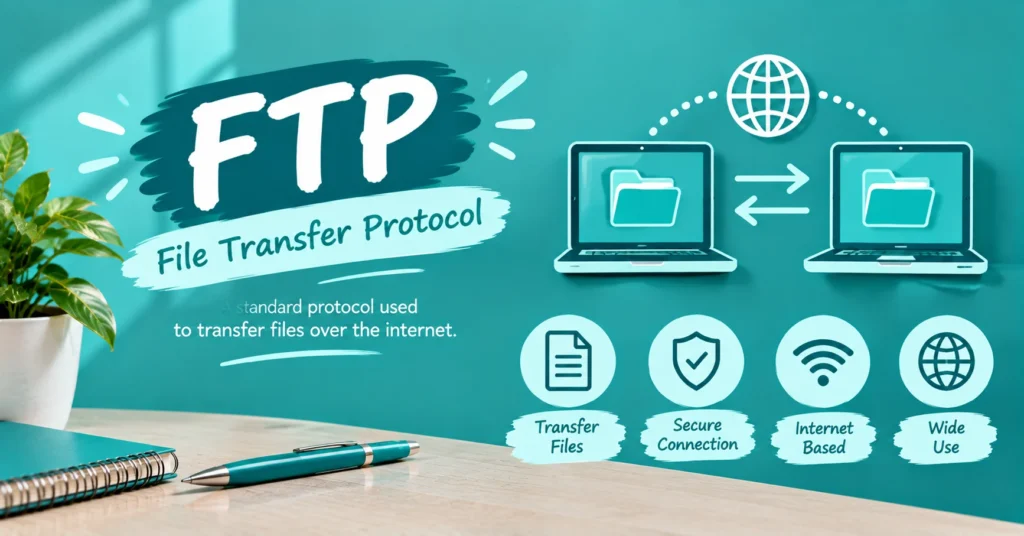
FTP stands for File Transfer Protocol. In simple terms, it is a set of communication rules that lets a client and server exchange files over a network. The protocol belongs to the application layer of the TCP/IP networking model and was designed specifically around reliable file transfer and remote file management.
When someone searches for FTP meaning, they are usually asking what the three letters represent and what the technology actually does. The answer is more useful when you connect the acronym to familiar actions: uploading website files, downloading documents, managing remote directories, transferring backups, and moving large datasets between connected systems.
What is FTP? FTP meaning
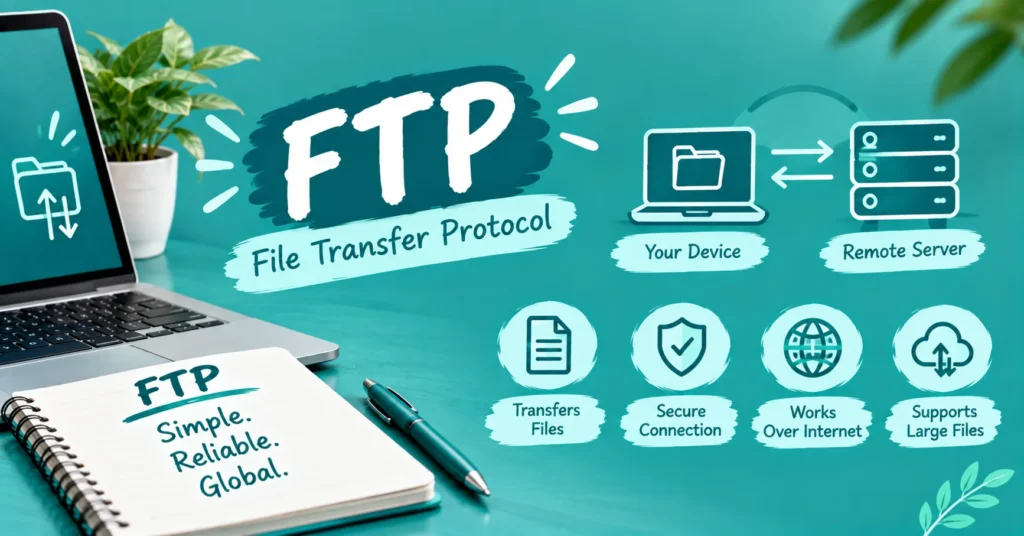
FTP is a client-server network protocol that transfers files between a local computer and a remote host. The client initiates communication with an FTP server, and authorized users can then perform actions such as uploading, downloading, deleting, renaming, moving, or copying files.
Think of an FTP server as a remote file cabinet and an FTP client as the tool you use to open that cabinet. A website developer, for example, can connect to a hosting server and move website files between a computer and the server without physically accessing the server itself. FTP therefore connects networking concepts with practical file management.
How does FTP work? FTP meaning
FTP uses separate communication channels for control information and transferred data. A client connects to the server, authenticates when required, sends commands through the control connection, and establishes the appropriate data connection for the actual file transfer. This two-channel design is one of FTP’s defining characteristics.
A typical session can involve logging in, navigating a remote directory, selecting a file, and downloading it to the local machine. The reverse works for uploads. FTP traditionally uses TCP port 21 for the control connection; active-mode data transfer traditionally uses port 20, while passive mode uses dynamically selected data ports.
Active mode versus passive mode
In active mode, the server initiates the data connection back toward the client. In passive mode, the client initiates the data connection after receiving connection information from the server. Passive FTP is particularly useful when firewalls or NAT make inbound connections toward the client difficult to establish.
FTP’s uses and benefits FTP meaning
FTP has traditionally been useful for website management, backups, replication, large-file transfers, data loading, and moving files between systems. Its ability to handle directories and batches of files makes it practical for certain administrative workflows where ordinary email attachments or browser-based transfers are inconvenient.
Imagine a developer updating a website with hundreds of files. Instead of individually uploading each item, an FTP client can provide a structured view of the remote server and allow multiple files or directories to be transferred together. FTP has also been used for software distribution, data migration, firmware updates, and organizational backups.
| FTP use | Typical purpose |
| Website management | Upload and manage server files |
| Backup | Move data to another server |
| Data migration | Transfer large collections of files |
| Software distribution | Distribute programs or updates |
| Network maintenance | Transfer firmware and configuration files |
| Large-file transfer | Move substantial media or data sets |
FTP types FTP meaning
FTP isn’t limited to one configuration. Common forms include traditional plain FTP, FTPS, and FTPES, while SFTP is frequently discussed alongside them even though it is technically an SSH-based protocol rather than an extension of traditional FTP. Understanding this distinction prevents a surprisingly common technical misunderstanding.
Plain FTP provides file-transfer functionality without encrypting the communication. FTPS adds TLS-based protection, while FTPES starts with an FTP connection and explicitly upgrades it to TLS. SFTP takes a different architectural route by operating through SSH, normally using TCP port 22.
FTP Plain
FTP Plain is traditional FTP without encryption. It commonly uses TCP port 21 for control communication, with the data connection handled separately according to the transfer mode. Because ordinary FTP can expose credentials and transferred information in plaintext, it should not automatically be treated as appropriate for sensitive information.
FTPS
FTPS adds SSL/TLS security to the traditional FTP framework. It can use implicit or explicit TLS configurations, with explicit FTPS commonly beginning through port 21 before negotiating encryption. This makes FTPS fundamentally different from SFTP, even though both can provide encrypted file transfers.
FTPES
FTPES refers to FTP over explicit TLS/SSL. The connection begins using ordinary FTP communication and then uses commands to upgrade the connection to an encrypted TLS session. This distinction matters because “FTP,” “FTPS,” “FTPES,” and “SFTP” are often incorrectly treated as interchangeable terms.
FTP security FTP meaning
Traditional FTP was not designed to encrypt the information it transports. As a result, usernames, passwords, commands, and transferred data can potentially be exposed to someone capable of intercepting the communication. Modern security requirements are therefore an important reason organizations often choose encrypted alternatives instead.
Security concerns include password sniffing, interception, brute-force attempts, and other attacks against exposed FTP services. The important practical lesson isn’t that every FTP server is automatically compromised; it is that plain FTP should not be assumed to provide confidentiality. Encrypted approaches such as FTPS or SFTP address that limitation differently.
A useful security distinction is:
| Protocol | Encryption approach | Common port |
| FTP | None by default | 21 control |
| FTPS | TLS/SSL | 21 or 990 depending on mode |
| SFTP | SSH encryption | 22 |
SFTP is technically SSH File Transfer Protocol, not “Secure FTP.” That small naming distinction is important when discussing FTP meaning because SFTP does not simply add encryption to the original FTP protocol. It is a separate protocol operating through SSH.
History of FTP FTP meaning
FTP is one of the oldest major Internet file-transfer technologies. The original FTP specification was published as RFC 114 on April 16, 1971, and was authored by Abhay Bhushan while he was an MIT student. Its early purpose was to make file transfer between computers on ARPANET more practical and standardized.
The protocol evolved through several specifications. RFC 959, published in 1985, became the formal Internet Standard specification and was later updated by several RFCs. FTP eventually gained extensions for security, IPv6, additional file-management capabilities, and restart functionality.
The technology’s history also explains why today’s FTP landscape can seem confusing. FTP predates the modern web, yet it remained useful for server administration and file transfer long after HTTP became dominant. Major browsers eventually removed built-in FTP support, with Chrome and Firefox dropping support in 2021.
FTP clients FTP meaning
An FTP client is software that connects to an FTP server and gives the user tools for managing remote files. Depending on the application, the interface may provide drag-and-drop transfers, directory navigation, permissions, connection settings, transfer queues, and support for FTP, FTPS, or SFTP.
Popular examples include FileZilla, WinSCP, and Transmit, although the exact features vary between applications and operating systems. Command-line FTP clients are also available on major operating systems. For a beginner managing website files, a graphical client can make the otherwise technical process feel much more familiar.
A typical FTP client connection asks for:
- Server or host name
- Username
- Password
- Port
- Connection/security type
Once authenticated, the client displays the remote directory and allows supported file-management operations.
FTP vs SFTP FTP meaning
FTP and SFTP are related in purpose but not the same protocol. FTP is the original File Transfer Protocol and traditionally uses separate control and data connections. SFTP stands for SSH File Transfer Protocol and operates through the SSH protocol, providing encrypted communication through a single secure channel.
| Feature | FTP | SFTP |
| Full name | File Transfer Protocol | SSH File Transfer Protocol |
| Security | Not encrypted by default | Encrypted through SSH |
| Typical port | 21 control | 22 |
| Connection model | Separate control/data channels | Single SSH-based connection |
| Credentials | Can be transmitted in plaintext | Protected by SSH |
| Modern secure-transfer use | Limited | Common choice |
This is one of the most important distinctions when researching FTP meaning. If a hosting provider tells you to use SFTP, don’t assume that simply entering port 22 into a traditional FTP connection changes FTP into SFTP. The client must support the appropriate protocol and establish an SSH-based session.
Conclusion
FTP can mean different things depending on where you see it. In texting and social media, it may be used as slang, while in technology, FTP commonly refers to File Transfer Protocol, a method for transferring files between computers. The meaning can also change in dating, online communities, or platforms such as TikTok, so the surrounding conversation is important.
If you come across “FTP” in a message, post, or comment, don’t assume there is only one definition. Check the context, tone, and topic to understand what the person actually means. Knowing the common uses makes it much easier to interpret FTP accurately and avoid unnecessary confusion.
FAQs
Author

Ethan Carter is an SEO blogger specializing in internet slang, text abbreviations, and social media meanings. He creates clear, accurate, and reader-friendly content backed by thorough research. His goal is to help readers understand modern online language with reliable, easy-to-read guides.